Clinic phone: organise front desk without interruptions
Private practice managers set slots and scripts for phone and WhatsApp to reduce disruptions in consultations without losing appointments or quality.
Key Takeaways
- If calls reach the consultation room without any filter, schedule errors increase and the perceived quality by the attending patient falls.
- Call handling in the clinic improves when you define who answers, what is resolved and what is returned, with committed response times.
- Telephone service windows work if they are published, respected internally and supported by coherent automated messages.
- A front desk protocol with a script, minimum fields and priority criteria reduces callbacks and double bookings.
- WhatsApp for appointments is useful if used with rules: written confirmation, minimum data and registration in the patient record.
Most interruptions during a consultation do not come from “the phone” but from not having a system to decide what is accepted, what waits and what is diverted. Here is a practical way to organise front desk work so the clinic can attend without breaks and without losing opportunities.
Why the phone “cuts into” the consultation
When it rings during a session, the problem is not the sound: it’s the immediate decision. Do you cut off the patient? Let it ring? Leave the room to answer? That uncertainty repeats several times a day and ends up affecting three concrete areas:
What breaks down when there’s no filter
- Schedule: an appointment “noted quickly” without a reason (administrative), without an assigned professional or without the correct duration ends up being moved several times.
- Payments: calls for “an invoice” or “a receipt” interrupt whoever cannot resolve it at that moment.
- Team: each person applies their own criterion; the patient perceives improvisation and the professional feels a loss of control.
Action you can take (today): for one day, write on a simple sheet what was requested in each call and who resolved it. Don’t measure time; measure reason and outcome (resolved / pending / returned).
The basic rule: separate clinical care from operational attention
In a small clinic it’s normal that “everything goes through the professional”. The quality jump happens when you separate:
- Clinical attention: what only the professional can do during the appointment.
- Operational attention: schedule management, confirmations, documentation, payments, appointment changes, information about hours, internal referrals.
This is not “putting up barriers”; it is protecting the clinical act and, at the same time, giving a quick response via appropriate channels.
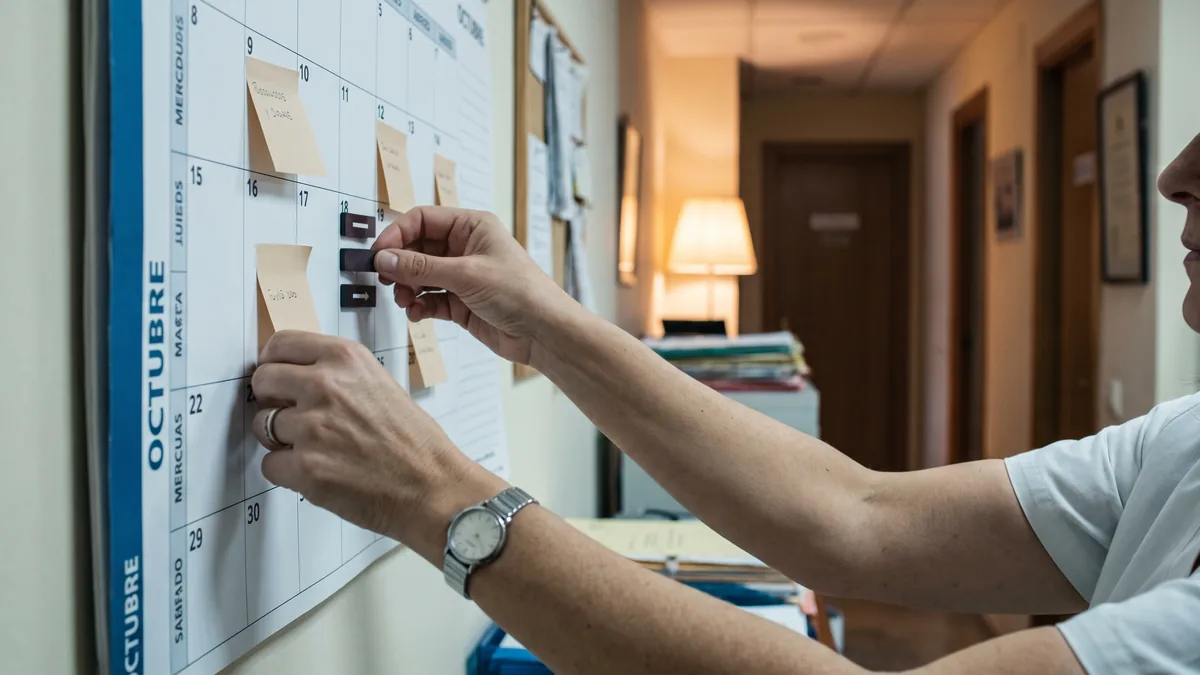
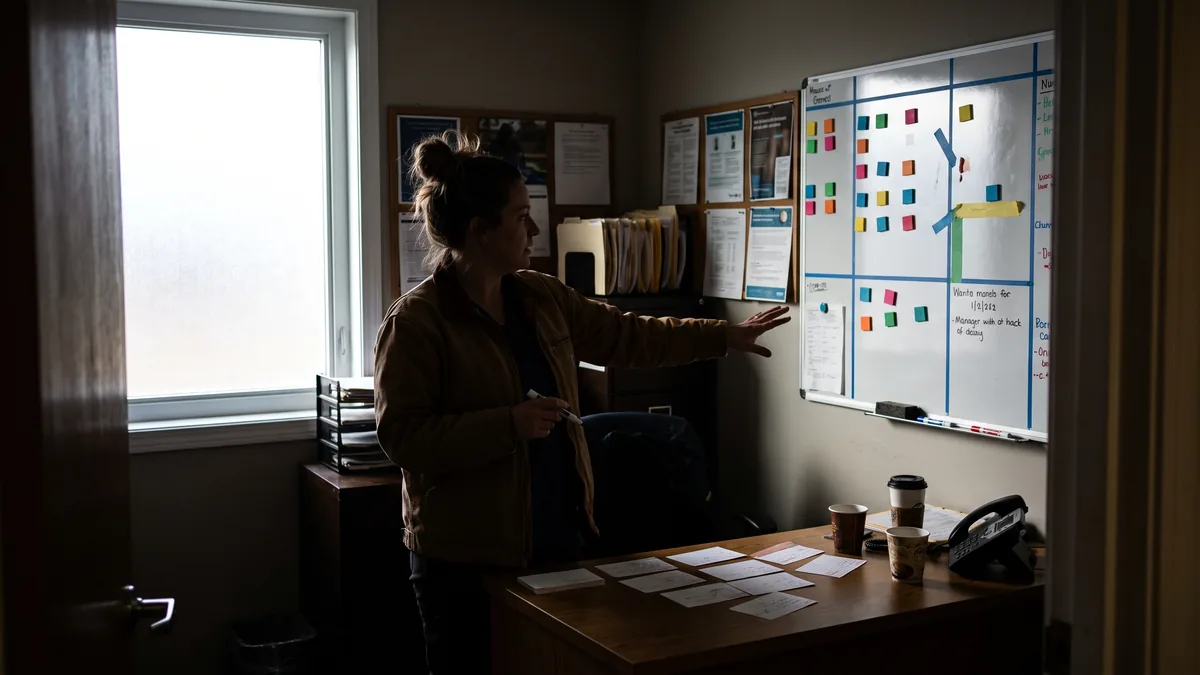
Action you can take: write two lists on an internal whiteboard: “what can be resolved without interrupting consultation” and “what does justify interruption”. In the second list, leave at most 3–5 cases.
Design a front desk protocol the team can follow
A front desk protocol that is useful is not a long document. It is a set of operational decisions that anyone can execute the same way, even on a busy day.
Define priorities: what is answered and what is returned
Practical prioritisation criteria (adapt to your centre):
- Organisational urgencies (non-clinical): patient at the door, professional waiting for the next patient, payment issue blocking access, schedule failure.
- Today’s management: confirmations, changes due to delays, slots that become available, notices of late arrival.
- Upcoming days’ management: new appointments, non-urgent changes, general questions.
- Deferrable administrative: non-urgent invoices, certificates, re-sending documents, information that’s on the website/brochure.
Action you can take: decide a standard phrase for each level. Example: “I’ll register it and we’ll call you back in today’s callback window.”
Use a short script to avoid losing data
Minimum script for appointment calls (phone or callback):
- Full name.
- Contact phone (confirm it’s correct).
- Professional/service requested (if unknown, steer with operational questions, not clinical ones).
- Administrative reason in one line (e.g.: “first appointment”, “check-up”, “report”, “reissue invoice”).
- Time preferences (morning/afternoon; days).
- Confirmation channel: SMS/WhatsApp/call.
Minimum script for changes/cancellations:
- Appointment to move (date, time, professional).
- Operational reason (without clinical details).
- New proposal (two closed alternatives).
- Written confirmation if WhatsApp is used for appointments.
Action you can take: review 10 recent entries in the schedule. Mark how many lack reason, confirmation channel or verified phone number. Those are the faults that generate the most callbacks.
Recording standard: what must always be written down
It doesn’t matter if you use paper or software: what matters is an audit trail. For every interaction record:
- Date and time.
- Who handled it (initials).
- What was requested (short literal note).
- What was agreed (next action and deadline).
- Response channel (call / WhatsApp / email).
- If applicable: payment condition (pending / confirmed / requires link / requires card terminal).
This prevents “I didn’t know” during shift changes and allows anyone to pick up the thread without asking the same questions again.
Action you can take: create a field or internal tag “Pending callback” and always use it with a deadline (“today 13:00–14:00”, “tomorrow morning”). If there is no deadline, it doesn’t exist.
Telephone service windows that actually work
The telephone service windows are not to “answer less”, but to answer better without breaking the consultation. They work when supported by three pieces: public hours, internal discipline and real alternatives.
Publish hours and stick to them internally
If the centre announces “We answer calls from 10:00 to 13:00”, but then the phone is picked up at 17:00 “because they insisted”, the system collapses. The patient learns that by insisting they get through, and the team returns to interruption mode.
- Public hours: website, Google Business, sign at the front desk, hold message.
- Internal hours: the team must know what is handled outside the window (only what is defined as priority).
Action you can take: record an answerphone/switchboard message that says when calls are answered and what alternative there is (WhatsApp or form). Review it each season change.
Create a daily callback window (and protect it)
Callback becomes a “when I can” that never happens. Reserve a fixed slot to return calls:
- At the start of the morning or before the first afternoon block.
- With a closed list of pending items (not improvised).
- With the rule: first those for today, then those for tomorrow.
If there is a front desk person, that window belongs to them. If there isn’t, assign an “administrative shift” to the professional or support staff.
Action you can take: choose a realistic window and put it on the weekly rota. That block is not used to “fit in another visit” except for an incident.
What to measure with data you already have
Without inventing complex metrics, you can review weekly:
- Number of same-day cancellations (schedule).
- Number of slots not filled (schedule).
- Number of pendings not closed by end of day (front desk list).
- Repeated reasons for calls (registration sheet).
With this you’ll see whether the window works or whether the problem is something else (for example, unclear website information or insufficient reminders).
Action you can take: every Monday, 10 minutes: list the 3 most repeated reasons from the previous week and decide one adjustment (message, script or mandatory field).

WhatsApp for appointments: rules to keep it under control
WhatsApp for appointments reduces pressure on the phone, but only if used with limits. If not, it becomes “endless chat” and appointments without a clear record.
Decide what is allowed via WhatsApp and what is not
Define in writing (internally and, if appropriate, as an automatic reply) what procedures are accepted:
- Yes: requesting an appointment, changing an appointment, confirming attendance, sending location, sending proof of payment if applicable.
- No: clinical consultations, sending images for assessment, messages at any hour expecting an immediate response.
For clinical matters, the protocol should redirect to a call during a window or to a scheduled consultation.
Action you can take: create a quick reply such as: “To organise appointments, send your name and two time options. For clinical issues, we’ll handle them in consultation.”
Mandatory fields in chat (without exception)
If you accept appointments via WhatsApp, always ask for:
- Full name.
- Service/professional.
- First appointment or follow-up.
- Two time options.
- Phone number (if they write from a different number) and ID if your process requires it for invoicing.
And above all: the final confirmation must be written (“We confirm the appointment on X at Y with Z”). If it isn’t written, there will be disputes later.
Action you can take: review the chat from last week and check how many appointments were closed without an explicit confirmation message. Fix the habit first, then the tool.
Record keeping and data protection: don’t improvise
WhatsApp implica tratamiento de datos personales. Alinea el uso con tu documentación de protección de datos y con instrucciones claras al equipo. La AEPD — the AEPD (Spain’s data protection authority) publishes criteria and guides on processing and organisational measures; your advisory or DPO should adapt them to your case.
Practical points:
- One corporate number only, not the personal mobile of the professional.
- Access control (who can view and respond).
- Record what was agreed in the patient record, not only in the chat.
- Deletion/archiving policy and incident management.
Action you can take: ask your advisor or DPO: “How do we document the use of WhatsApp and what instructions will staff sign?” If there is no concrete answer, there is work to do.
Team organisation: who does what when the phone rings
Reception is not “one person”: it is a system of roles. Even in small private practices, you can assign responsibilities by times.
Distribute functions by shifts, not by goodwill
Example of division in a practice with two professionals and one part-time support person:
- Front desk/administration: calls within the window, callbacks, pending payments, reminders.
- Professionals: only defined interruptions (for example, patient already in the waiting room or immediate schedule incident).
- Support in the room (if present): greeting patients, verifying details, managing delays.
If there is no front desk, the “front desk role” rotates and is protected in the schedule as a real block.
Action you can take: create a visible weekly chart with “Person responsible for calls” and “Person responsible for callbacks”. One name, not “anyone”.
Templates for typical situations (the most frequent)
Have standard scripts for:
- Delays: “We are running X minutes late; would you prefer to wait or reschedule?”
- Cancellation with a slot: “If it suits you, I have a slot today at…”
- Missing data: “To book I need full name and phone number; if it’s a first appointment, tell me so.”
- Pending payment: “To confirm, payment is pending; I’ll send the link/instructions and then we’ll close it.”
This reduces improvisation and keeps a consistent tone.
Action you can take: pick 5 phrases and save them as quick replies (in WhatsApp Business if you use it) or as cards next to the phone.
Technology: what to ask of a tool without marrying its promises
You don’t need “more features”; you need the tool to support the protocol. If you’re evaluating software (for example, ClinicaDigital Software), ask verifiable criteria, not slogans.
Checklist to evaluate call and schedule management
Ask the provider:
- Can I record call reasons and leave pending tasks with dates?
- Can I see contact history per patient (calls, messages, notes)?
- Can I block blocks of the schedule for callbacks so they aren’t booked by mistake?
- Can I configure reminders and record confirmations?
- Can I control roles and permissions (who sees what) for front desk and professionals?
Action you can take: request a demo focused on 3 real flows: “new appointment”, “change appointment” and “pending invoice”. If the provider doesn’t follow the complete flow, it won’t serve reception.
Signs the problem is not the tool
- There is no script or minimum fields.
- There are no windows, or they’re not respected.
- No one reviews pendings at close of day.
- The clinic accepts “anything” via WhatsApp and then disputes what was agreed.
Order first, then tool. The tool helps sustain order.
Action you can take: before changing anything, write your front desk protocol on one page and use it for a week. Then decide which part needs technical support.
How to Apply This in Your Clinic
Today (management or owner): define in writing 3 priority levels of calls and 3 cases that do interrupt consultation.
Check: the team can repeat them from memory in a 10-minute meeting.Today (front desk or designated person): implement a single call log with 6 fields: date, who, reason, action, deadline, channel.
Check: at the end of the day there is no “I’ll call you” without a deadline.Tomorrow (team): set telephone service windows and a daily callback window; block them in the schedule.
Check: during that window pendings are closed; it is not “used to fit in appointments”.This week (front desk): draft two scripts: “new appointment” and “change/cancellation”, and place them next to the phone.
Check: review 10 new appointments and confirm they all have reason, professional and confirmation channel.This week (data manager/DPO or advisor):** validate the use of WhatsApp for appointments in your documentation and define internal access and recording rules, according to the AEPD.
Check: the team knows what is answered via WhatsApp and what is redirected to a call or consultation.Every Monday (management + front desk, 15 minutes): review the 3 most repeated call reasons and decide an adjustment (message, standard text or schedule change).
Check: the “pending” list decreases and there are fewer double confirmations or misunderstandings.
Frequently Asked Questions
How do I prevent the phone interrupting every consultation?
You prevent it by defining which calls are answered immediately and which are returned in a fixed callback window. Then ensure the front desk always records reason and callback deadline. If the team breaks the rule “because they insisted”, the system collapses.
What telephone service windows are reasonable for a clinic?
Reasonable windows are those the team can meet without improvising and that are published for the patient. Always include a daily callback window to close pendings. If there are peaks, reinforce with an alternative channel (WhatsApp or a form) instead of opening the door to interruptions.
Can I use WhatsApp for appointments without losing control?
Yes, if you limit its use to scheduling tasks and require minimum data before booking. The final confirmation must be written and also registered in the patient record. If it becomes a clinical conversation, redirect to a call during a window or to an appointment.
What should a basic front desk protocol include?
It should include call priorities, data collection scripts, callback criteria and a recording standard. It should also define who answers each shift and how schedule and payment incidents are handled. If there are no assigned responsible people, the protocol won’t hold.
External Links
- Unidad de Tratamiento del Dolor
- SPAP.pdf
- Unidad de enfermería en hospitalización polivalente de …
- Bloque Quirúrgico
- BOE-A-2022-12066 Orden EFP/678/2022, de 15 de julio, por la que se establece el currículo y se regula la ordenación de la Educación Primaria en el ámbito de gestión del Ministerio de Educación y Formación Profesional. — the BOE (Spain’s official gazette)
- WhatsApp implica tratamiento de datos personales. Alinea el uso con tu documentación de protección de datos y con instrucciones claras al equipo. La AEPD
- Esta semana (responsable de datos/DPO o asesor):** valida el uso de WhatsApp para citas en tu documentación y define normas internas de acceso y registro, según criterios de la AEPD