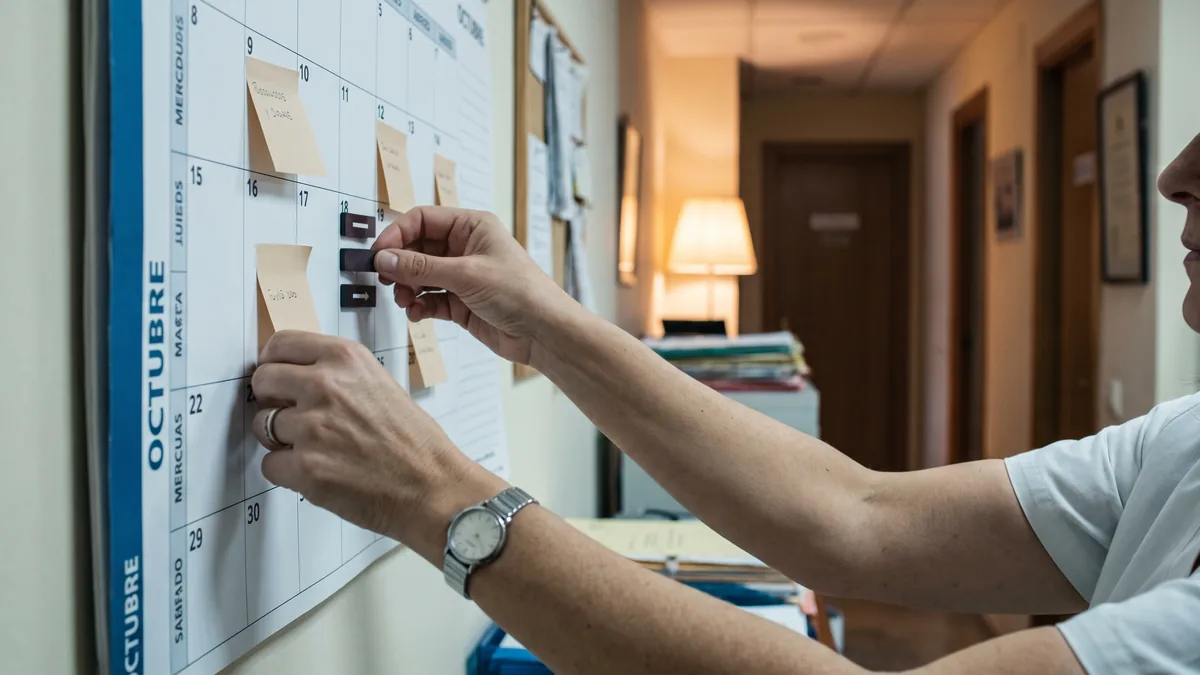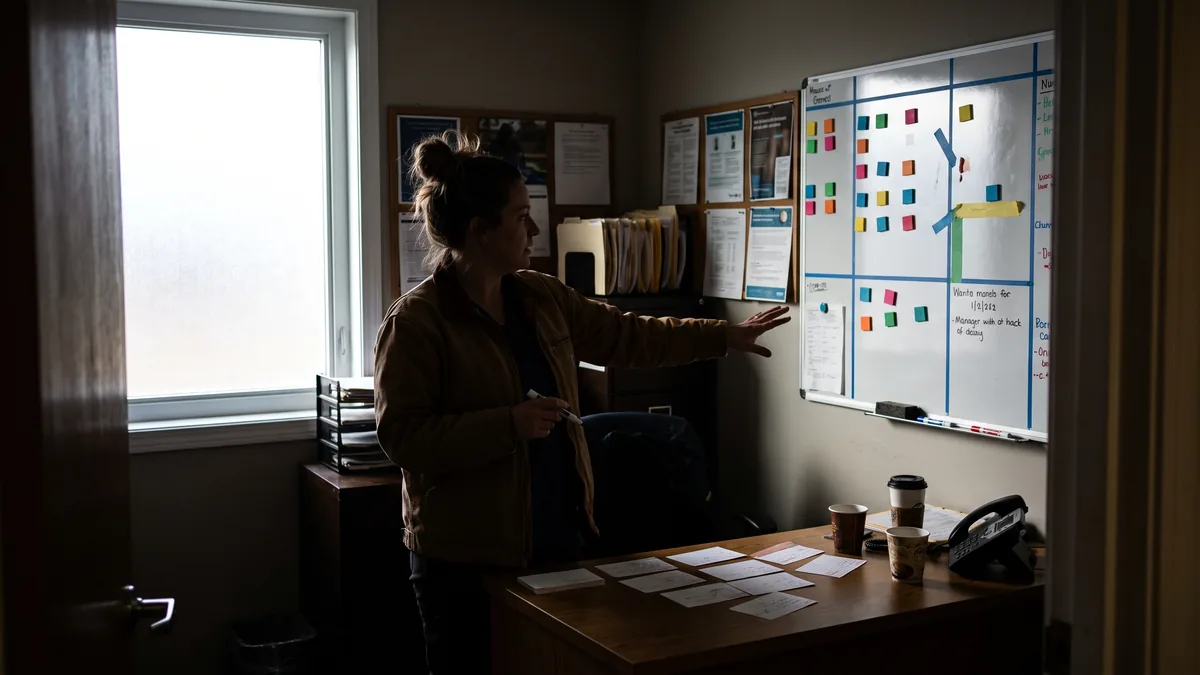
Clinics update digital schedule continuously
This guide helps clinics move from a paper to a digital schedule without slowing activity, covering data migration and a front desk change plan

Key findings
- The transition works when you define a controlled coexistence period between paper and digital schedules, with clear rules about which system takes precedence in each case.
- Patient data migration should start from a “minimum viable” set of fields and a quality criterion, not by trying to dump everything.
- A change plan for the front desk reduces errors if you assign task owners, choose low‑impact times and use a single script for phone and counter.
- Team training is more effective when focused on real microtasks (create an appointment, move a slot, take payment, add an operational note) than on long “full system” sessions.
- Before choosing a tool, validate three points: role‑based permissions, audit trail of changes and data export in a usable format.
Moving from a paper schedule to a digital schedule for clinics is not about “computerising”: it is about keeping the clinic’s pace while changing how you work. If the change shows up on the phone, at the front desk or at payment, your day collapses.
Decide the scope: what’s in and what’s out
The most common error is wanting to digitalise the whole clinic at once. What you need is a scope that protects clinical activity and cash flow.
Define the schedule “minimum viable”
Start with what keeps the day running:
- Appointment: date, time, practitioner, service, duration.
- Contact details: given name and family name, telephone, email (if you use it).
- Appointment status: confirmed, pending, no‑show, rescheduled.
- Operational notes (non‑clinical): “prefers morning”, “pays cash”, “call beforehand”.
Action: this week, print next week’s schedule and underline in another colour only what is essential for the front desk to function. That is your initial scope.
Decide what stays out at first
To avoid stopping clinical work, postpone without guilt:
- Complex document templates.
- Marketing automations.
- Advanced reports you don’t use today.
- Digitising old historical records you don’t consult.
Action: list three “extras” that would only add work right now. Set a review date in a few weeks, not today.
Prepare the ground: working rules before touching the software
The paper schedule “works” because everyone understands its implicit rules. In digital, those rules must be written down.
Clarify who decides what
During the change, the problem is not the tool: it is uncertainty.
Define in writing:
- Who can create appointments (front desk, clinicians, both).
- Who can move or cancel and for what reasons.
- How slots are blocked (meetings, training, sick leave).
- What happens with overbooked slots (if any) and who authorises them.
Action: write a one‑page “Schedule Rules” sheet with 10 lines. Pin it at the front desk and share it with the team.
Naming standards for services
On paper it doesn’t matter if someone writes “Fis”, “Fisio” or “Fisioterapia”. In digital that breaks searches, reports and reminders.
Agree simple criteria:
- Service name (one per actual service).
- Standard duration per service (if it varies, define exceptions).
- Practitioners and rooms with consistent names.
Action: create a single list of services and durations. If there’s no agreement today, choose the version reception uses, because reception keeps the flow.
Patient data migration: less volume, more quality
Patient data migration is not “moving an Excel file”. It is deciding what information you need to operate tomorrow without call‑backs or duplicates.
Choose a minimum set of fields that must be correct
To start, prioritise operational fields:
- Identification: given name and family name (as on documents), date of birth if you use it to distinguish homonyms.
- Contact: main telephone, email if you send reminders.
- Consent and communications**: if you have a record of authorisations, define how you will store it and who updates it (complying with the GDPR and LOPDGDD: [BOE] (the BOE (Spain’s official gazette)).
Avoid dumping old notes “as is” if they mix clinical information with operational items. Separate what belongs to the schedule and front desk from what belongs to the clinical record.
Action: take 30 real patient records (varied) and check whether with those fields the front desk could: locate the patient, confirm the appointment and take payment. If not, you lack a field.
Control duplicates before they enter
On paper duplicates are tolerated. In digital they blow up into:
- Reminders sent to the wrong phones.
- Payments assigned to different patient records.
- Reports that don’t reconcile.
Define a matching criterion: for example, “same name and same telephone” or “same name and same date of birth”. Decide what to do when in doubt: do not merge until verified.
Action: appoint one person responsible for duplicates during the first month. Their job is to review and merge with judgement, not “clean when there’s time”.
Decide migration order: by activity, not by date
Don’t migrate “by year”. Migrate by usefulness:
- Patients with upcoming appointments.
- Patients seen recently (according to your schedule/ billing).
- The rest, only if it adds operational value.
Action: mark in your paper schedule the patients with appointments next week and migrate those first. That group prevents immediate interruptions.
Change plan for the front desk: the shift is won at the counter
A front desk change plan must accept a reality: the phone does not wait, the counter does not wait, and clinicians want the room full.
Design a controlled coexistence between paper and digital
Coexistence is useful if it has rules. Without them it duplicates work and creates errors.
Common models (choose one):
- Digital has priority from day one: paper remains a visual backup, but nothing new is written there.
- Paper has priority for a week: entries are recorded digitally at the end of the day to train staff, but decisions are taken on paper.
- Split by practitioner or service: one practitioner uses digital, another uses paper, with reception as arbiter.
Operational recommendation: pick the model that reduces on‑the-spot decisions. The worst is “it depends”.
Action: set the cut‑over date and time in writing (for example, “from Tuesday first thing”). Communicate it to the whole team, including the person covering afternoons.
Call and counter scripts: what you ask changes
On paper you confirm “day and time”. In digital you should use the opportunity to confirm data and reduce rework.
Minimum phone script to confirm:
- “I confirm your appointment on [day] at [time] with [practitioner].”
- “Is this still your main telephone number?”
- “Would you like us to send confirmation by email?”
- “Please arrive a few minutes early; if you need to change it, let us know.”
At the counter when the visit ends (operational, not clinical):
- “Shall I book your next appointment now?”
- “Do you prefer morning or afternoon?”
- “Today’s payment is for [session/service]; card or cash?”
- “If your phone number changes, please tell us so we can send reminders.”
Action: print the script and use it for a week. If reception improvises, chaos returns.

Blocks and slots: prevent the system “swallowing” reality
On paper a block is drawn. In digital, if you don’t create it correctly, someone will book over it.
Define:
- Blocks by room: cleaning, maintenance, shared equipment.
- Blocks by practitioner: holidays, training, sick leave.
- Internal emergency slots: if you use them, who releases them and when.
Action: every Monday, the front desk reviews that week’s blocks against the staff roster (hires/leaves, shifts, holidays). If something changed, update it before opening slots.
Team training: real microtasks and clear roles
Team training fails when run as a general “demo”. It works when each role practices what they will actually do with patients present.
Separate roles: front desk, clinicians, management
- Front desk: create appointment, move, cancel, waiting list, operational notes, take payment and issue a receipt if applicable.
- Clinicians: view their schedule, block slots, request changes via an agreed channel, log operational incidents.
- Management/administration: permissions, day closes, cash counts, exports, audit of changes.
Action: run three short sessions. If you can’t, at least reserve 30 minutes for front desk without interruptions.
Train with real scenarios
Practical exercises (use dummy data in a test environment):
- “Patient calls to move an appointment to next week with the same practitioner.”
- “Patient arrives late; you must move them without breaking the rest of the afternoon.”
- “A practitioner falls ill; you must reallocate and notify patients.”
- “Patient pays and requests an invoice; front desk must note it for administration.”
Action: define 8 scenarios and distribute them. Each person must complete 2 without help and explain what they did.
Permissions and audit trail: avoid internal conflicts
In a clinic, the usual conflict is not technical: it’s “someone moved my schedule” or “I don’t know who cancelled”.
Require that the system allows:
- Roles with permissions (who can do what).
- Change logs (who modified an appointment and when).
- A basic state history (confirmed, cancelled, no‑show).
Action: before you start, review a list of “sensitive actions” (cancel, move, delete patient, change telephone) and grant permission only to those who need it.
What to ask the vendor before you start
This is not about requesting “more features”. It is about reducing operational and compliance risk.
Concrete questions that save problems
- “Can I export my schedule and patient data in a usable format if I change systems?”
- “How are backups handled and who is responsible if there is an incident?”
- “Is there an access and change log so I can see who did what?”
- “Can I limit permissions by role and by site if I have more than one location?”
- “Where are the data hosted and what documentation of the encargo de tratamiento do you provide?” (GDPR and LOPDGDD: [BOE] (the BOE (Spain’s official gazette)); AEPD (Spain’s data protection authority)
Action: bring these questions to your meeting with the vendor and demand written answers, even if by email.
Don’t buy from a demo: buy for your process
A demo shows screens. You need to validate flows:
- New appointment in under a minute with a real call.
- Change of practitioner without losing reason and notes.
- Payment linked to the appointment so administration doesn’t chase paperwork.
- Fast search when a patient calls from an unknown number.
Action: prepare a list of 12 real tasks and ask to perform them live. If they can’t, you’ll have friction on day one.
(If you are comparing options, Clínica Digital Software can be evaluated with the same approach: real tasks, permissions and data export, not promises.)
How to Apply This in Your Clinic
Plan for this week without stopping appointments. Do it with a calendar and clear owners.
Monday (management): define scope and schedule rules.
- Who: owner/manager with front desk lead.
- What: one‑page document with rules (create/move/cancel, blocks, overbookings, service names).
- How checked: everyone signs or confirms in writing and it is posted at the front desk.
Tuesday (front desk): prepare minimum data and duplicates list.
- Who: front desk lead.
- What: template of minimum fields and duplicate criteria; migrate patients with upcoming appointments first.
- How checked: of 20 patients with appointments, each is found in seconds and can be confirmed by phone without “can you repeat your number?”
Wednesday (team): role‑based training with scenarios.
- Who: each role separately; if not possible, front desk first.
- What: 6–8 practical scenarios (reschedule, cancel, practitioner absence, payment).
- How checked: each person completes two scenarios unaided and explains the criterion used.
Thursday (front desk + clinicians): controlled coexistence with rules.
- Who: front desk with one clinician as on‑shift reference.
- What: apply the chosen coexistence model (for example, “digital has priority from first thing”).
- How checked: no double‑bookings and any change is recorded in a single place.
Friday (management + front desk): operational review of incidents.
- Who: manager and front desk lead, 20 minutes.
- What reviewed: repeated errors (duplicates, wrong blocks, confusing notes) and update rules or training.
- How checked: list of 5 improvements applied and communicated for the following week.
Frequently Asked Questions
How long should I coexist with paper and a digital schedule?
Usually you should coexist as briefly as possible, but with clear rules. If you decide to coexist, pick which system takes precedence and forbid half‑entries in the other. When the team stops hesitating, you can cut the paper.
What minimum data should I migrate to start without errors?
Migrate what prevents call‑backs: given name and family name, main telephone, and the appointment with practitioner, service and duration. Add email only if you use it for confirmations. The rest is filled progressively when the patient returns.
Who should be able to move appointments and block slots?
Front desk should be able to move appointments and manage the waiting list under agreed rules. Practitioners should be able to block their own slots, but with an audit trail and a reason. Sensitive actions (delete, merge patients) should be limited to a few people.
How do I reduce chaos at the front desk in the first week?
Reduce on‑the‑spot decisions with a single phone script and a visible rules sheet. Reserve a short daily slot to review incidents and correct blocks or duplicates. If something can’t be done without improvising, turn it into a written rule.
External Links
- [Agenda de la AEPD | AEPD] (the AEPD (Spain’s data protection authority)) https://www.aepd.es/la-agencia/transparencia/informacion-en-materia-de-proteccion-de-datos/inventario-actividades-tratamiento-aepd/
- La Comisión presenta la Agenda del Consumidor 2030 para …
- Agenda del Consumidor 2030 - Comisión Europea
- Nueva Agenda del Consumidor:
- Fortalecer la ciberseguridad en tu pyme: cómo pasar de la preocupación a la acción | Empresas | INCIBE (INCIBE (Spanish National Cybersecurity Institute))
- Consentimientos y comunicaciones**: si tienes registro de autorizaciones, define cómo lo guardarás y quién lo actualiza (cumpliendo RGPD y LOPDGDD: BOE
- Esto está alineado con el principio de responsabilidad proactiva del RGPD (Reglamento (UE) 2016/679, Comisión Europea
- “¿Dónde se alojan los datos y qué documentación de encargo de tratamiento me dais?” (RGPD y LOPDGDD: BOE