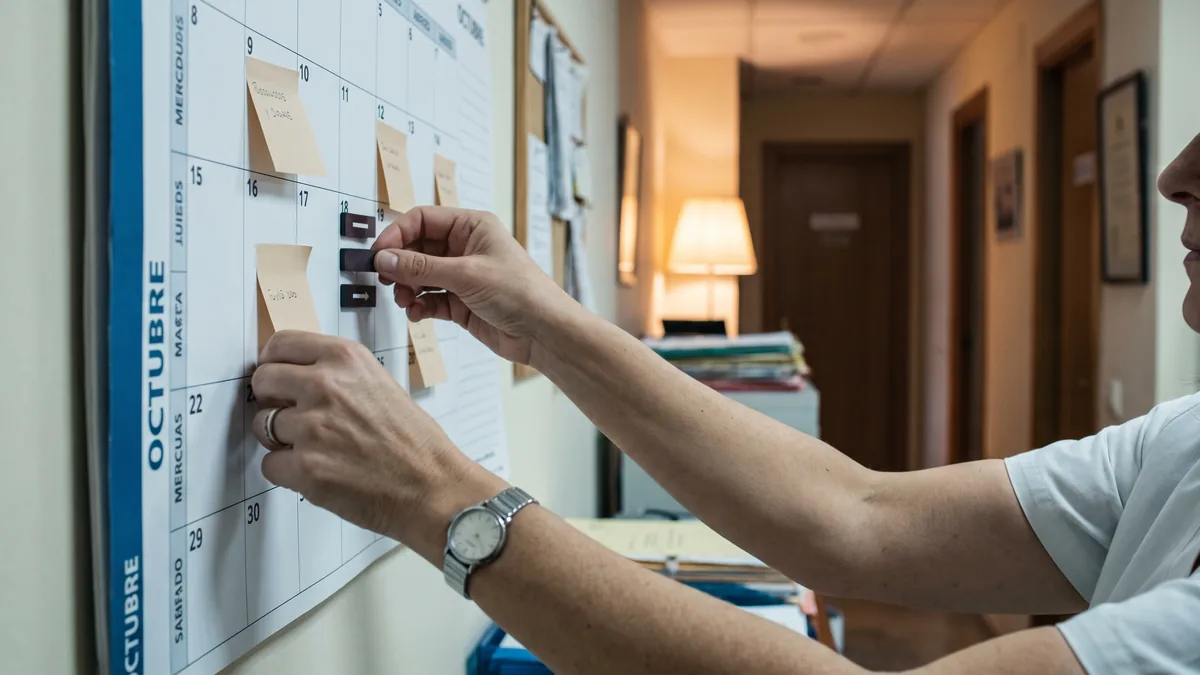
Clinics use waiting lists to fill freed schedule slots
Practical guide for clinic managers to manage a waiting list and cover last-minute cancellations with clear rules, quick calls and schedule data.

Main conclusions
- A useful clinical waiting list is based on recorded preferences (times, site, professional) and a clear permission to contact with short notice.
- To fill a freed slot you need a short script, an order of contact and an expiry rule for the offer.
- schedule utilisation improves when you separate “interested” from “ready to come today” and review that list weekly.
- Last-minute cancellations are best managed with confirmation messages and a consistent operational policy, not by improvisation at the front desk.
A waiting list is useless if it’s just a notebook of names. It works when it helps you fill a freed slot without friction or front desk arguments.
What a working clinical waiting list needs
A clinical waiting list is not “people who want an appointment”. It is people you can offer a specific slot to and who will reply quickly.
Distinguish three states (and mark them)
In practice, the front desk mixes different profiles. Separate them so you don’t waste time when a last-minute cancellation appears:
- Interested: requested information or a first appointment but did not confirm real availability.
- Available: agrees to be contacted if a slot frees up, with concrete conditions.
- Preconfirmable: if you call and they accept, they can come and understand payment/treatment package/authorisation.
Action to take (today): review your current list and mark each record with one of these three states. If you can’t mark it, you’re missing information.
Minimum fields in the record to call within 60 seconds
When a datum is missing, the front desk stalls. In the patient record (or a simple register) include:
- Reason for appointment in scheduling terms (e.g., “first visit”, “follow-up”, “session”, “test”), without clinical details.
- Required duration (what your schedule uses to block time).
- Preferred time bands: morning/afternoon, specific days, “only late slots”.
- Preferred professional/site (if applicable).
- Accepted advance notice: “24 h is fine”, “same day is fine”.
- Contact channel: phone, WhatsApp, SMS, email.
- Permission to contact with short notice and to leave a message.
- Administrative status: “has treatment package”, “pending payment”, “needs invoice”, “insurer: requires authorisation”, etc.
Action to take (this week): add a field “Accepted advance notice” and use it always. It decides whether you can fill a last-minute cancellation.
Clarify “what happens if I say yes”
People join a waiting list and then hesitate because they don’t know the conditions. Avoid back-and-forth:
- Do we confirm immediately or must the front desk validate it?
- Do they need to arrive early for paperwork?
- How is payment handled and what must they bring?
Action to take: create a standard sentence for the team: “If the slot suits you, I’ll confirm it for you now and send the reminder via [channel].”
How to fill a freed slot without improvising
When a slot frees up, the issue is not “no patients”; it’s a lack of process: who calls, whom to call, in what order and how long to wait for an answer.
Define a contact order that avoids disputes
If each receptionist decides “who they prefer”, complaints appear (“you always call the same people”). The most defensible order is usually:
- Compatibility with the slot (duration and time band).
- Accepted advance notice (same day > 24 h > 48 h, depending on context).
- Clinical/service priority defined by the clinic (if it exists, without discussing details with the patient).
- Seniority on the list (date of entry into the list).
- Operational reliability: history of no-shows and repeated cancellations (internal criterion).
Action to take: document the order in an internal note. If new staff arrive tomorrow, they should be able to follow it without asking.
20-second call script (and what to record)
A short script prevents long conversations when time is tight.
Script:
- “Hello, [Name], this is [Front desk] from [Clinic]. A slot has opened for [type of appointment] today at [time] with [professional/site]. Does that suit you?”
- If they hesitate: “I need confirmation now to reserve it; otherwise I’ll offer it to the next person on the list. What do you prefer?”
What to record on hang-up (yes or no):
- Outcome: accept / decline / no answer.
- If decline: operational reason (“can’t today”, “only afternoons”, “needs another professional”).
- Next condition: “contact only with 24 h notice”, “don’t call, only WhatsApp”, etc.
Action to take: require the reason for decline to be recorded from a closed list (3–6 options). If it’s free text, nobody analyses it later.
Offer-expiry rule
Without a rule, the slot dies waiting for responses. Define something simple:
- If you call and there’s no answer: leave a message (if permitted) and move to the next person.
- If you write by WhatsApp/SMS: “I’ll hold it for you until [time].”
You don’t need to discuss this with the patient: it’s an internal rule to protect schedule utilisation.
Action to take: set a standard phrase: “If you don’t confirm before [time], I’ll release it to someone else.”

Reduce last-minute cancellations before they happen
The waiting list is the plan B. Plan A is that the slot isn’t freed, or if it is, that you know as soon as possible.
Confirmations: what to send and what to ask
A reminder is not just “you have an appointment”. It has to make a quick reply easy.
Always include:
- Day and time.
- Address/site (if there are multiple).
- “Reply YES to confirm / NO to reschedule” (or equivalent).
- Channel for changes (phone or message).
If you call to confirm (for example, schedules with many no-shows), ask only one thing:
- “Can you still come at the scheduled time?”
If they start to explain, cut politely and offer an out:
- “Fine, then we’ll move it and free this slot for someone else. Which time bands suit you better?”
Action to take: review your current reminder text and ensure it allows a “yes/no” reply without writing a paragraph.
Operational change policy: consistency at the front desk
This is not about “punishment”; it’s about a single team criterion. Otherwise every last-minute cancellation becomes a negotiation.
Define internally:
- When a change is considered “with margin” and “without margin”.
- What you do when it’s “without margin”: rebook, offer the inverse waiting list, apply treatment-package conditions, etc.
- Who can authorise exceptions (and how they are recorded).
Action to take: create an internal field “Exception authorised by” and use it. If there’s no trace, the criterion becomes rumour.
Inverse waiting list: when demand peaks at certain times
In some clinics the problem is not filling but moving demand: people who only want afternoons leave mornings underused.
Create a “flexible list”:
- Patients who accept mornings or slots between appointments.
- Patients who accept any professional within the same service.
- Patients who accept video consultation if that applies to your activity (only if your clinic offers and organises it).
Action to take: whenever someone requests “only afternoons”, offer an alternative: “If you join the flexible list, I’ll tell you if a morning slot frees up.”
Measure schedule utilisation with data you already have
You don’t need a complex dashboard to improve. You need three weekly checks with data that already comes from your schedule and the front desk.
Three questions you must answer each Monday
- How many slots were freed last week due to last-minute cancellation?
- How many were filled from the clinical waiting list (and in what timeframe)?
- Which time bands are most exposed (early hours, midday, late slots)?
If you can’t answer these, your process relies on memory and corridor conversations.
Action to take: create a simple register (sheet or report) with these three lines and review it for 10 minutes each Monday with the person in charge at the front desk.
Classify freed slots by operational cause
Without clinical reasons, classify what you can manage:
- “No answer to confirmation”
- “Change of work shift”
- “Transport problem”
- “Scheduling error / double booking”
- “Pending authorisation / documentation”
- “No-show”
Action to take: choose 5–7 categories and no more. If you put 20, nobody uses them properly.
Rules by slot length: 15 is not the same as 60
A short freed slot is filled differently:
- Short slots: follow-ups, in-person administrative matters, brief schedule adjustments.
- Long slots: first visits, tests, full sessions.
Action to take: define which appointment types can fit each duration. It’s an internal table that prevents forcing matches and delaying the whole afternoon.
Compliance and communication: what not to improvise
Managing a waiting list involves contacting people and recording preferences. That touches personal data and communication habits.
Permissions and data minimisation: a practical rule
Apply two principles of the GDPR that are very noticeable in clinics:
- Minimisation: record what’s necessary to manage the appointment, not histories or explanations.
- Purpose limitation: use the contact for appointment management, not for other communications unless appropriate.
If you use WhatsApp or other channels, make clear which channel is accepted and whether you can leave messages.
Action to take: add an internal checkbox: “Allows appointment messages by WhatsApp/SMS: yes/no”. And actually use it when there’s a last-minute cancellation.
Messages: avoid details, gain speed
When you write to offer a slot, you don’t need sensitive details. Enough is:
- “A slot has opened on [day] at [time] for your appointment. Reply YES to confirm it.”
Action to take: create two templates: one for “slot offer” and another for “appointment confirmation”. Less text, more replies.
How to Apply This in Your Clinic
Concrete steps for this week, with responsibilities and verification.
Monday (15 minutes) — Management or front-desk lead: define the 3 waiting-list states (Interested/Available/Preconfirmable) and tell the team.
Verification: at the end of the day, check 10 records and verify they have an assigned state.Monday (30 minutes) — Front desk: create/adjust the waiting-list form with minimum fields: time band, professional, accepted advance notice, channel, message permission.
Verification: on the first slot-offer call, no data needed to decide who to call should be missing.Tuesday (20 minutes) — Front desk + clinical coordination: agree a simple table “slot duration → permitted appointment types”.
Verification: when a slot frees up, the receptionist decides in seconds which appointments fit without asking.Wednesday (30 minutes) — Front desk: write the call script and the two message templates (offer and confirmation).
Verification: measure whether long conversations decrease; the goal is a “yes/no” decision from a single sentence.Thursday (15 minutes) — Front desk: set the offer-expiry rule (until what time you hold it) and the order of contact.
Verification: when a last-minute cancellation occurs, contact the next person on the list without waiting “to see if they reply”.Friday (10 minutes) — Management: review the week using three data points: slots freed, slots refilled, most exposed time bands.
Verification: if you can’t extract those data, decide where they will be recorded from the following week.
If you use a management software (for example, Clínica Digital Software) ask the provider one specific thing: that the waiting list can be filtered by time band, duration, professional and accepted advance notice, and that contact attempts are logged.
Frequently Asked Questions
How do I prioritise whom to call when a slot frees up?
Prioritise by compatibility with the slot (duration and time band) and by accepted advance notice. Then apply a stable criterion: seniority on the list and operational reliability. Document the order to avoid internal disputes.
What do I do if the patient doesn’t reply to the message?
Move to the next contact according to your order and leave the offer with a clear expiry. Record “no answer” so you know whether that channel works for that person. If it repeats, change the channel or downgrade their state to “Available” rather than “Preconfirmable”.
How do I prevent the waiting list from becoming unmanageable?
Clean it weekly and separate “interested” from “ready to come today”. If someone declines three offers for an incompatible time band, update their preferences or remove them from the list. The clinical waiting list must be actionable, not a name warehouse.
What minimum data should I store to manage the list?
Store contact details, appointment type and duration, time-band/professional preferences and permission for contact channel. Avoid recording explanations or details that don’t affect the schedule. This reduces friction and helps comply with the GDPR minimisation principle.
External Links
- [PDF] Sistema de Información sobre Listas de Espera del Sistema …
- Instrumentos económicos para la priorización de pacientes en lista de espera: la aplicación de modelos de elección discreta
- [PDF] Priorización de pacientes en lista de espera para prótesis de rodilla …
- Priorización de pacientes en lista de espera para prótesis de rodilla y cadera: la opinión de los pacientes
- SISTEMA DE INFORMACIÓN DE LISTAS DE ESPERA DEL SN
- Aplica dos principios del **RGPD
- Guarda datos de contacto, tipo de cita y duración, preferencias de franja/profesional y permiso de canal de aviso. Evita registrar explicaciones o detalles que no afectan a la agenda. Así reduces fricción y cumples mejor con el principio de minimización del RGPD