Video consultation in private practice
Clinic managers decide when to use video consultation and how to organise schedule, payments, documentation and technical requirements at the front desk
Key Takeaways
- Video consultation fits when it reduces travel without compromising organisational quality: identity verified, documents filed and a clear end to the appointment.
- A mixed schedule of face-to-face and online works if each slot has its own room rules, duration and reminders, and the front desk knows what to check before connecting.
- Technical requirements must be validated before the first appointment: device, camera, audio, connection and a phone fallback if video fails.
- Consultation length is best controlled with an opening script, a documentation checklist and a close that sets next steps and confirms payment.
Video consultation does not fail because of “technology”; it fails because of a poorly defined schedule, front desk procedures and expectations. If online appointments will coexist with face-to-face work, decide when they fit and how each appointment will be operated.
When video consultation fits (and when it doesn’t)
The useful question is not “can we do video consultation?”, but “which types of appointments gain stability with video and which become complicated?”. In a private practice, the criterion is operational: risk of interruptions, need for in-person examination, prior documentation and ease of payment.
It fits well when the appointment depends on conversation and documents
Typical management situations (without clinical detail):
- Review of reports the patient already has and can send beforehand.
- Administrative follow-ups: renewal of paperwork, explanation of previously agreed instructions, resolution of doubts about an already started plan.
- Initial guidance when the goal is to decide whether an in-person visit is appropriate and what documents to bring.
Action you can take (today): review two weeks of the schedule and mark which appointments ended with “patient must be seen in person”. Those are not candidates for video consultation.
It usually fits poorly when you depend on the physical environment
Common clinic cases:
- Appointments where the clinician needs equipment or interaction with the clinic environment.
- Processes with multiple tests or steps requiring auxiliary staff in the room.
- Patients who cannot guarantee a minimum of privacy or technical stability.
Action you can take (today): at the front desk, add a fixed question when offering an online appointment: “Can you be in a private place with a good connection and no interruptions during the appointment?”. If the answer is doubtful, offer face-to-face.
Signs you’re forcing “doing video”
- The clinician ends up calling by phone “to get by”.
- Appointments run overtime due to lack of prior documentation.
- The front desk spends a lot of time on ad-hoc technical support.
What to measure with data you already have: the rate of online appointments that convert to a phone call (even as a manual note in the patient record for a month). If it’s high, the problem is usually technical requirements and inadequate preparation.
Mixed face-to-face and online schedule without front desk chaos
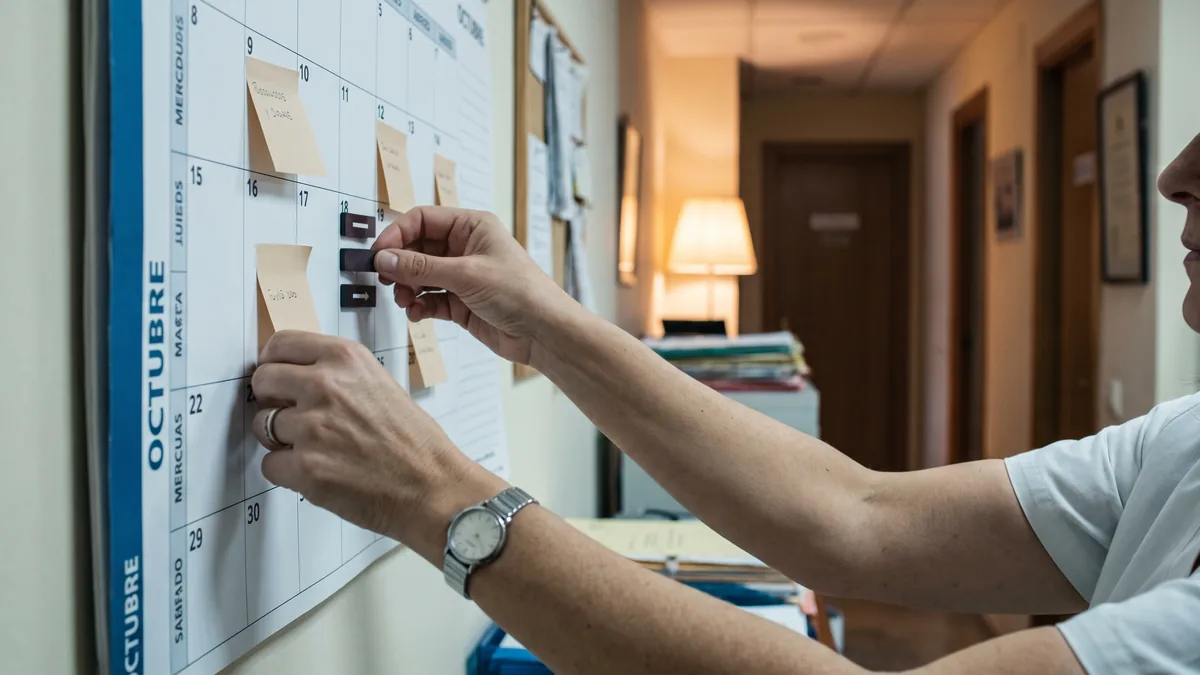
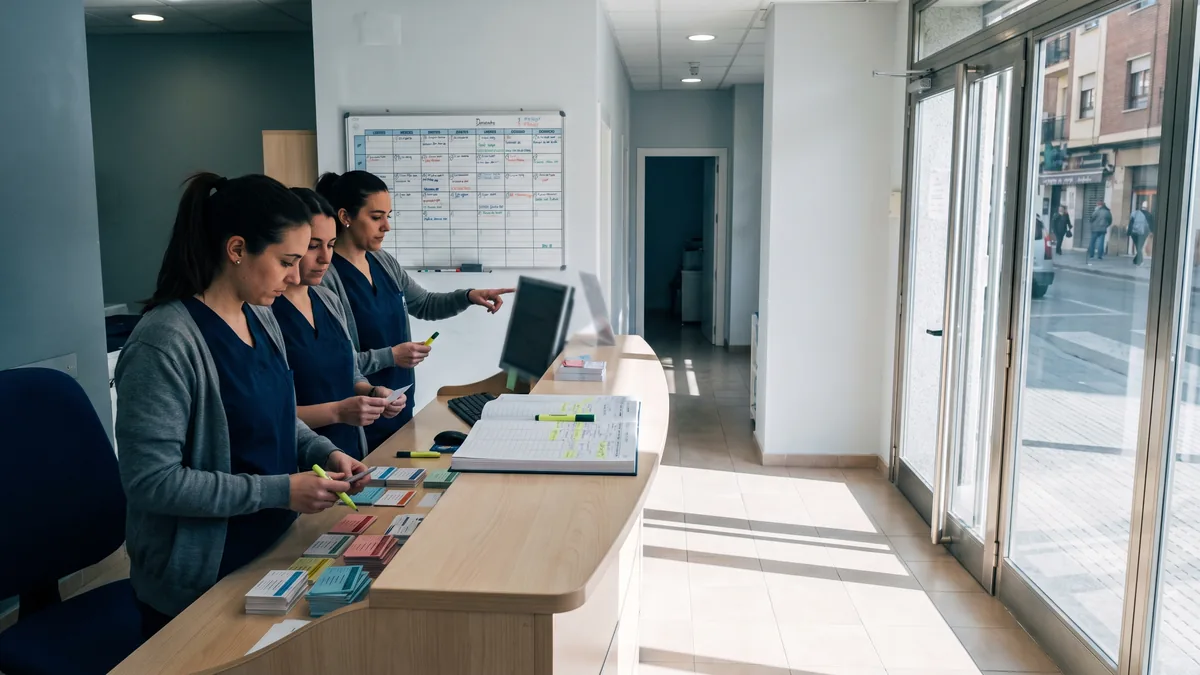
A mixed schedule doesn’t hold up by “adding an icon”. It needs rules: where the appointment is handled, what is sent, what is charged and what happens if the patient does not connect.
Design distinct appointment types, not “the same appointment by video”
Create appointment types with their own behaviour:
- Face-to-face (physical room, preparation time, possible delays due to waiting room).
- Video consultation (link, prior verification, tolerance for technical incidents).
- Phone call (if you use it as a fallback, with clear rules).
For each type, define in writing:
- Expected duration of the video consultation (and whether there is buffer between appointments).
- Who sends the link and when.
- What documentation must be in the patient record before starting.
- Cancellation and rescheduling policy (use the conditions you already apply in the clinic).
Action you can take (this week): create an internal template “Appointment type: Video consultation” with six lines. If your system allows it, make it a real appointment type; if not, use it as a checklist at the front desk.
Reserve “slots compatible” with the clinician’s real work
Typical mistake: mixing a video consultation between two face-to-face appointments without a margin. Not because of clinical time, but operationally: calls, payments, notes and possible reconnections.
Good scheduling practices:
- Group video consultations in blocks if the clinician prefers.
- Leave a short buffer between video calls if there are usually connection problems or late documents.
- Avoid scheduling a video consultation in a slot where the clinician must move rooms or share equipment.
What to review every Monday: the clinician’s delay log and reasons (even as a column in an internal sheet). If “connection” or “missing report” appears, adjust the process, not your patience.
Define online no-show and how it is recorded
In face-to-face work a no-show is evident. In video consultation there are nuances: the patient “says it doesn’t work”, joins late, or joins without audio.
Define a simple criterion:
- “Considered not presented if they do not connect within X minutes and do not respond to a call/SMS.” (use the margin your clinic already accepts; you don’t need to publish numbers here, just have an internal rule).
- “If they connect without minimum requirements (audio/video), offer the plan B: phone call or reschedule.”
Action you can take (today): create a standard note for the patient record: “Does not connect / Connects without audio / Reschedules / Performed by phone / Billed according to policy”. That way the front desk always records the same way.
Technical requirements: the minimum so it doesn’t explode in your face
Technical requirements are not a list for the patient; they are a verification prior to protect the schedule and the clinician’s time.
Pre-check technical checklist for the first online appointment
Before the first video consultation, the front desk should confirm:
- Device: mobile, tablet or computer with a working camera.
- Audio: headphones or speaker that allow conversation without echo.
- Connection: stable Wi‑Fi or mobile data with sufficient coverage.
- Environment: private place, no interruptions, good lighting.
- Access: knows how to open the link and allow camera/microphone.
Action you can take (this week): create a 30‑second phone script for the front desk and use it always for first online appointments. If a critical point is not met, offer face-to-face or arrange a prior test.
Do a “technical test” when the risk is high
If the patient is not digitally confident, if it’s their first time or if the appointment is especially important for the organisation (for example, a highly demanded slot), compensate by doing a brief test with the front desk.
What to check in the test:
- The patient can open the link.
- Audio and video work.
- They know how to enable browser or mobile permissions.
- They have a plan B if it fails (phone at hand).
What to measure: number of technical incidents by clinician and time slot. Sometimes the issue is the clinician’s workstation (internal Wi‑Fi, headphones, camera), not the patient.

Secure the clinician’s workstation
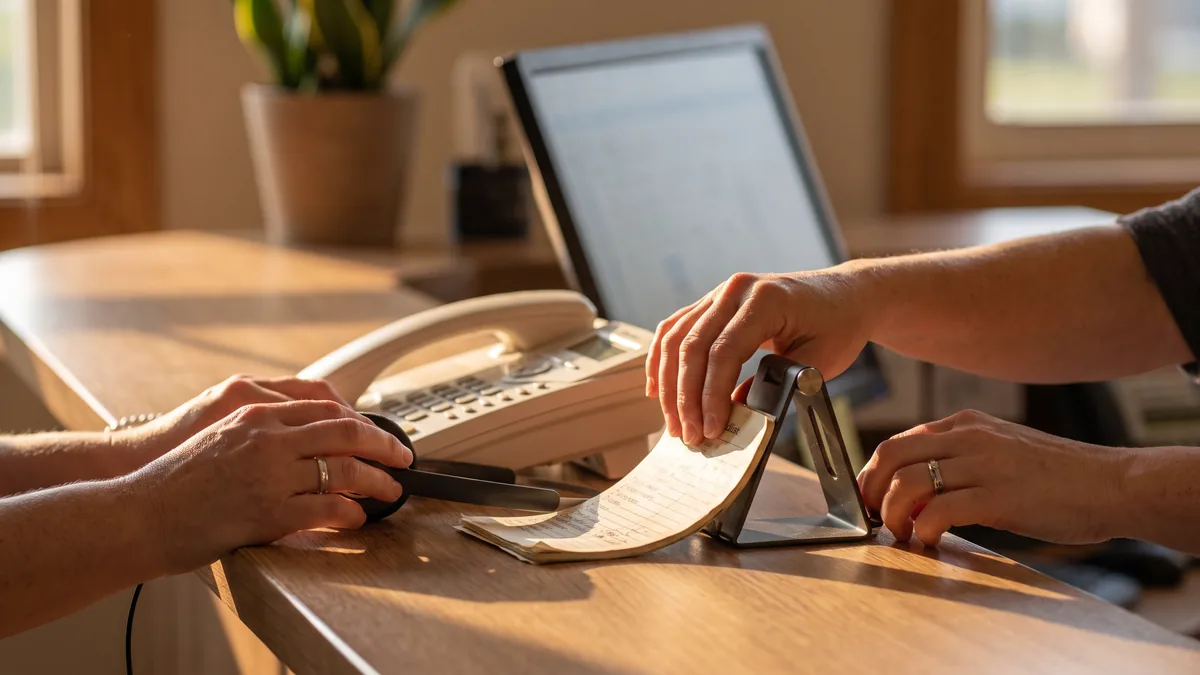
In the clinic the clinician can’t be “fighting with sound” between patients. Close off:
- A fixed place for video consultations (if you share a room, clear assignment).
- Headphones and microphone that stay at that station.
- Background and privacy: no third parties visible or audible.
- A “if it fails” procedure: who calls, who reschedules, what is recorded.
Action you can take (today): label a drawer or box “Video consultation kit” (headphones, charger, stand). It seems small, but it avoids wasted time.
Appointment organisation: before, during and after
A video consultation works when the clinician joins with everything ready and leaves with the appointment closed: note recorded, next steps and payment clear.
Before: minimum documentation and identity verification
In private practice, the bottleneck is often “I can’t find the report” or “I don’t know if this is the right patient”.
Recommended process:
- Front desk requests documents in advance (reports, tests, consent where applicable).
- They are saved in the patient record with a standard name: “Date_DocumentType”.
- Identity is verified at the start: full name and a second agreed data point (for example, date of birth), asking no more than necessary.
- Confirm a phone number in case video is cut.
Marco normativo a tener presente:** si tratas datos de salud, aplica el **GDPR and the LOPDGDD; and if there is a breach or incident, the notification criteria are set by the AEPD (Spain’s data protection authority).
Action you can take (this week): define a standard naming convention for documents in the patient record. Avoid “new report(3).pdf”. That reduces internal calls during the appointment.
During: opening script and time control
Appointment length evaporates when the start is improvised. A simple script prevents losses:
- Confirm audio and video.
- Verify identity.
- Confirm the appointment’s objective (“today we review X document and agree next steps”).
- Remind what happens if the call is cut (“if it cuts, we will call you at X number”).
To control time without sounding “cold”:
- Use a visible clock for the clinician.
- Reserve the final stretch for administrative close: next appointment, sending documents, payment if applicable.
Action you can take (today): print or stick a five-line opening script on screen. The change will show in the first appointments.
After: close, tasks and payment without chasing
What is most draining is chasing payments or having to call to “close” what was left open.
Define a standard close:
- Note or internal summary recorded in the patient record.
- Assigned tasks: “send document”, “schedule face-to-face”, “order test”, “issue certificate”, according to your clinic’s flow.
- Payment: confirmed and recorded, or marked as pending with reason.
Action you can take (this week): create two payment states for video consultation: “Paid” and “Pending (reason)”. Stating the reason avoids internal disputes (“did not pay” is not a reason).
Payments, cancellations and certificates in online appointments
Video consultation creates friction if you don’t decide when to charge and what happens with cancellations. You don’t need to change your policy; you need to apply it equally across all channels.
Decide when to charge and who manages it
Common options (choose one and document it):
- Charge before the appointment (reduces no-shows, requires a clear process).
- Charge at the end (requires the patient not to “disappear” after hanging up).
- Charge via a payment link after the appointment (requires more follow-up on receipt).
Whichever you choose, be clear about:
- Who sends the link or instructions.
- What is recorded if payment does not come through.
- What the front desk does if the patient requests an invoice or certificate.
Action you can take (today): write a standard message for payment and another for invoice/certificate. Don’t improvise by WhatsApp with different texts every time.
Cancellations and rescheduling: same rule, different channel
Typical conflict: “because it was online, I thought I could cancel late”. Avoid this with confirmation messages that include:
- The clinic’s cancellation policy (the one you already have).
- How to notify (phone, email, channel you control).
- What happens if they do not show or do not connect.
What to measure: number of reschedules for video consultation and reasons (“couldn’t”, “technical problems”, “forgot”). If forgetfulness predominates, the problem is reminders; if technical problems predominate, return to technical requirements.
Security, privacy and documentation: what you must tie down
You don’t need to turn the front desk into jurists, but do have two or three decisions closed so you don’t improvise with health data.
Privacy on the clinic side
In a clinic, the real risk is being heard or seen by third parties:
- Closed door or assigned room.
- Screen not visible from corridors.
- Headphones mandatory if staff are nearby.
- Do not record unless there is a legal basis and a procedure (and if recorded, register and safeguard it).
Action you can take (this week): review the video consultation station as if you were a patient in the corridor. If you can hear the conversation, move the station or change habits.
Consents and activity logging
If your clinic already handles consents and data protection in face-to-face care, video consultation does not remove it; it moves it.
Control points:
- Informed consent if it applies to your activity (according to specialty and internal procedures).
- Record in the clinical record or patient record: date, channel (video consultation), incidents (if any).
- Retention of documents according to your clinical record system and applicable regulation.
Organismos y criterios útiles:** **Ministerio de Sanidad publishes frameworks and general recommendations; for data protection, the practical reference is the AEPD (Spain’s data protection authority).
Action you can take (today): add a field or tag in the patient record: “Channel: face-to-face / video consultation / phone”. This will let you audit incidents and times.
How to choose a tool and provider without buying problems
The winner here is not “the platform with the most features”, but the one that fits your schedule, payment and documentation circuit.
Concrete questions for the provider
When evaluating a solution (including one such as ClinicaDigital Software), ask and request a demonstration with a real flow:
- “How do you create a video consultation appointment type and what is sent to the patient?”
- “Can you have a mixed schedule of face-to-face and online without duplicating slots?”
- “What does the front desk see if the patient does not connect? Is there a record?”
- “How are documents attached to the patient record and how are they named?”
- “What payment options are there and how is the status recorded?”
Action you can take (this week): prepare a demo script with one real case: “first online visit + sending report + payment + reschedule due to technical failure”. If the provider can’t resolve it live, they will handle it worse in production.
Avoid the “parallel channel” that breaks control
If video consultations are managed on one side (links, chats, files) and the clinical record/schedule on another, you will see:
- Documents in personal emails.
- Links lost in WhatsApp.
- Appointments without a complete record.
Action you can take (today): decide on a single channel to send documentation and a single place where everything is saved. If you cannot centralise yet, at least define the step: “everything received is uploaded to the patient record before the appointment”.
How to Apply This in Your Clinic
One-week plan, with responsibilities and checks.
Monday (management): define the scope.
- Decide which appointment types will be offered online and which will not.
- Check: written list of “suitable / not suitable” on a shared page.
Monday (front desk): create the preconfirmation script.
- Script with technical requirements, privacy and prior documentation.
- Check: five calls made using the script, with a note in the patient record “tech check OK / not OK”.
Tuesday (clinicians): set duration and opening script.
- Agree duration of video consultation by type and a five-point opening script.
- Check: in 10 appointments, note whether they started on time and why not.
Wednesday (front desk + admin): finalise payments and states.
- Define when to charge and how to record it: “Paid / Pending (reason)”.
- Check: by day’s end no video consultation remains without a payment state.
Thursday (operations lead or management): review incidents.
- Review patient records with incidents: not connecting, no audio, missing documents.
- Check: list the three most repeated causes and one action per cause (reminder, technical test, change appointment type).
Friday (team): adjust mixed schedule.
- Block slots or create blocks for video consultation according to findings.
- Check: the following week has differentiated appointment types and defined buffers where needed.
Frequently Asked Questions
Which appointments should I move to video consultation right away?
Those that depend mainly on conversation and document review fit best. Start with follow-ups and report reviews already available. Avoid converting to video what requires room, equipment or third‑party intervention.
How do I set the duration of a video consultation without delays?
Define durations by appointment type and add an opening script so minutes are not lost on verification and framing. Reserve a final stretch for administrative close and next steps. If repeated technical incidents occur, adjust the prior process, not only the time.
What technical requirements should I ask the patient for beforehand?
Ask for the minimum verifiable: a device with camera, working audio, stable connection and a private place. Confirm they know how to open the link and allow camera/microphone. Have a phone plan B and record the incident in the patient record.
How do I handle payments and cancellations in online consultations?
Apply the same policy you use for face-to-face, but with clear confirmation messages and a recorded payment state. Decide when to charge (before or after) and who executes it. If the patient does not connect, record the fact and act according to the agreed internal rule.
External Links
- Sección: ACCESO A SU VIDEO CONSULTA DESDE EL …
- Videoconsulta nº 1. ¿Humedad por acuario?
- Con la telemedicina de Unión Personal, acceder a tu …
- NUEVO SERVICIO DE TELEMEDICINA PEDIÁTRICA: …
- Provincia ART | Telemedicina
- Marco normativo a tener presente:** si tratas datos de salud, aplica el **RGPD
- Organismos y criterios útiles:** **Ministerio de Sanidad